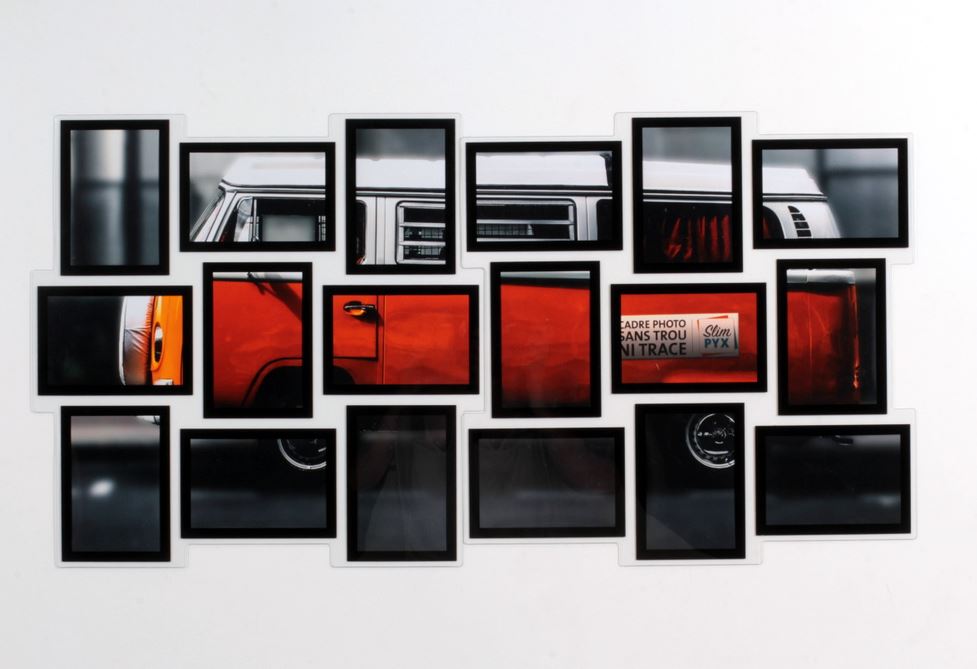
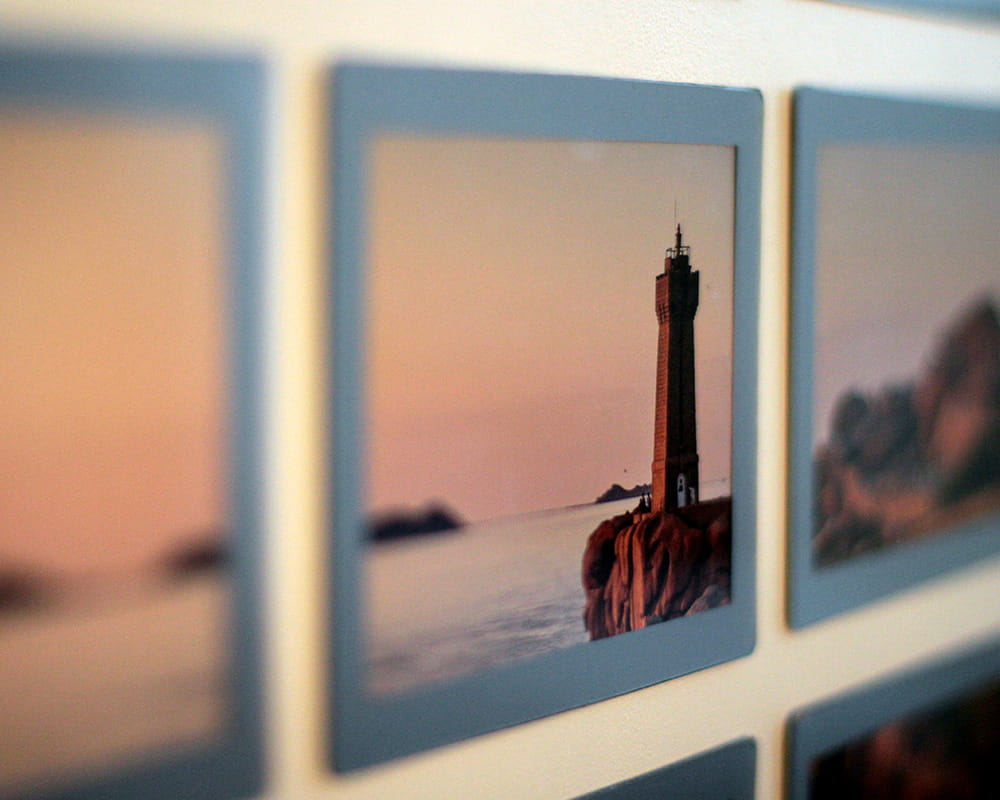
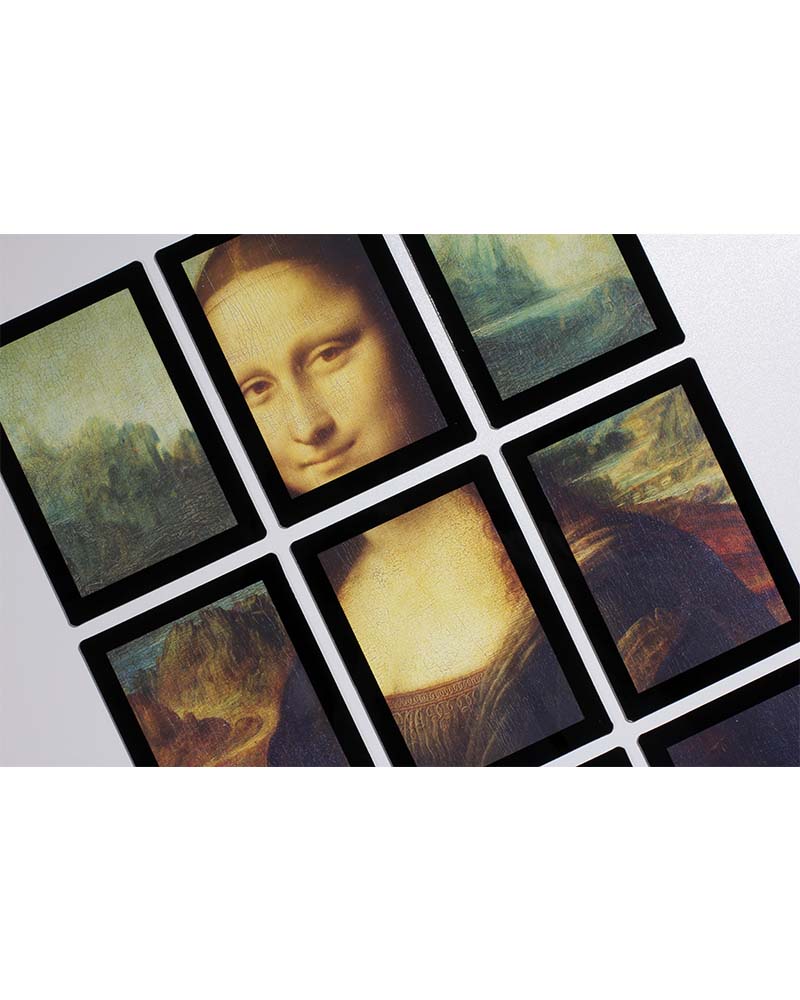
-> SPLIT YOUR PICTURES <-
Use this tool to split your pictures to make them fit in SlimPYX collage frames. Click on the link above to start creating original wall displays!
How it works:
1) Start by choosing a HIGH-DEFINITION photo.
2) Select the quality* that fits your picture, then the shape ( “Shapes” ) of the photo collage frame (heart or square). You can use more than one photo collage template to create a unique wall display: just assemble them like a puzzle!
4) Use the preview button to check the result.
3) Download your pictures by clicking on “ Recover photos (zip) ”. They will be size 4x6" (10x15 cm).
* Change the quality of the pictures if you want to zoom in or out before you start.

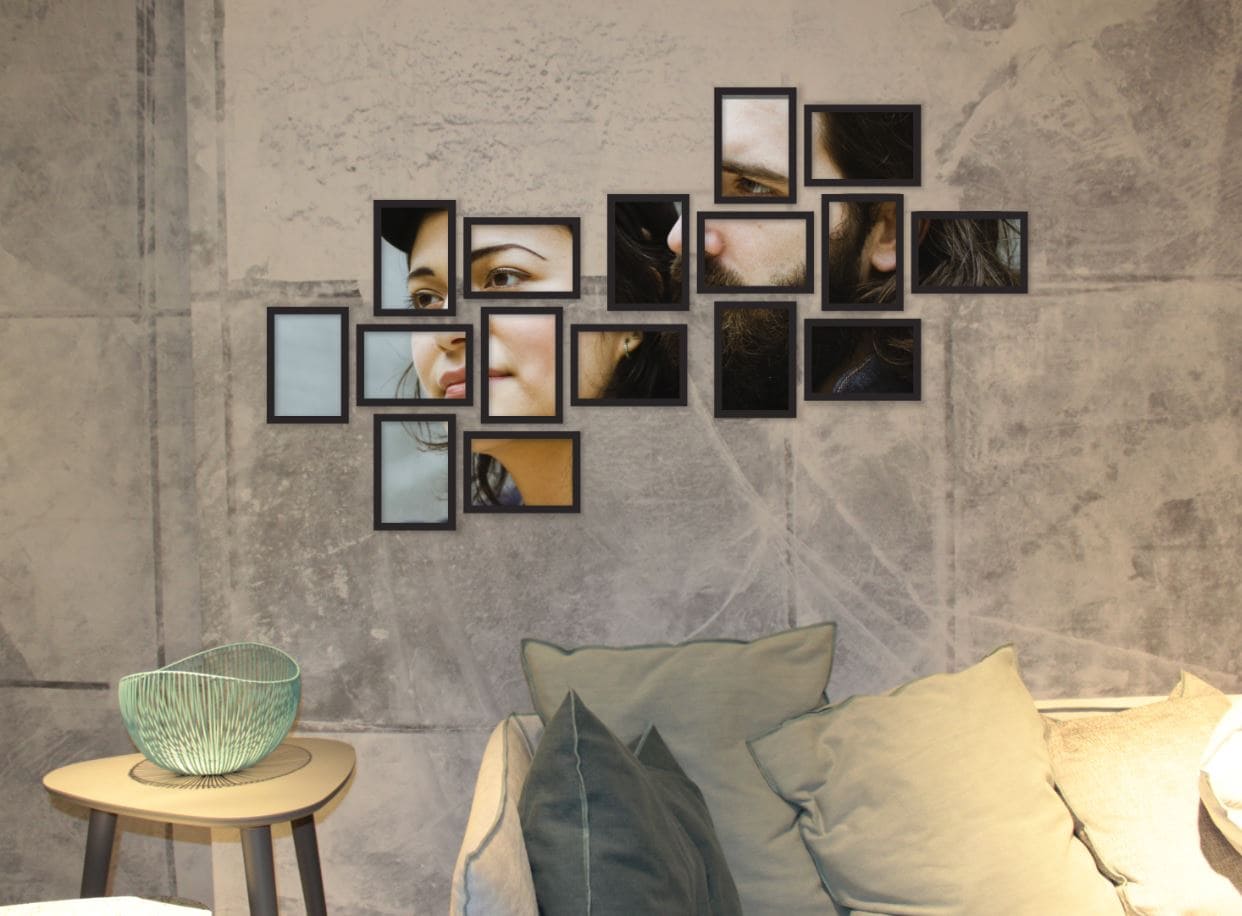
Here's an example of a photo exploded into 12 4x6 in frames for an original decoration!
Need a little inspiration? Look at what you can do with SlimPYX photo collage frames and the split your photos tool in our Customization and Wall Displays section.